
Carbon intelligence for industrial operations
IFS Zero
Know your footprint.
See where to act.
A fuel record, an electricity bill, a supplier delivery. Each tells part of your emissions story. IFS Zero brings those details closer to the decisions that shape your operation.
Built on IFS Cloud, this agentic emissions operating system helps asset-intensive businesses measure, disclose and optimize their carbon emissions.
- Scope 1, 2 & 3
- Operational data
- Audit-ready reporting

Emissions belong in the operational picture
Follow the numbers back to the work.
Which site contributed? What activity changed? Where should you look next? IFS Zero connects emissions information with operational activity, helping your team spend less time assembling a report and more time understanding it.
Measure
Build a view of emissions across Scope 1, 2 and 3, with the detail needed to examine sources, sites and reporting periods.
Disclose
Use structured activity records and traceable calculations to support corporate disclosures and prepare information for review.
Optimize
Look at emissions alongside energy use, asset performance and operating decisions to identify where efficiency improvements could make a difference.
Explore IFS Zero
From the group view to the source record.
Explore the detail behind the total, using a consistent structure across your business.
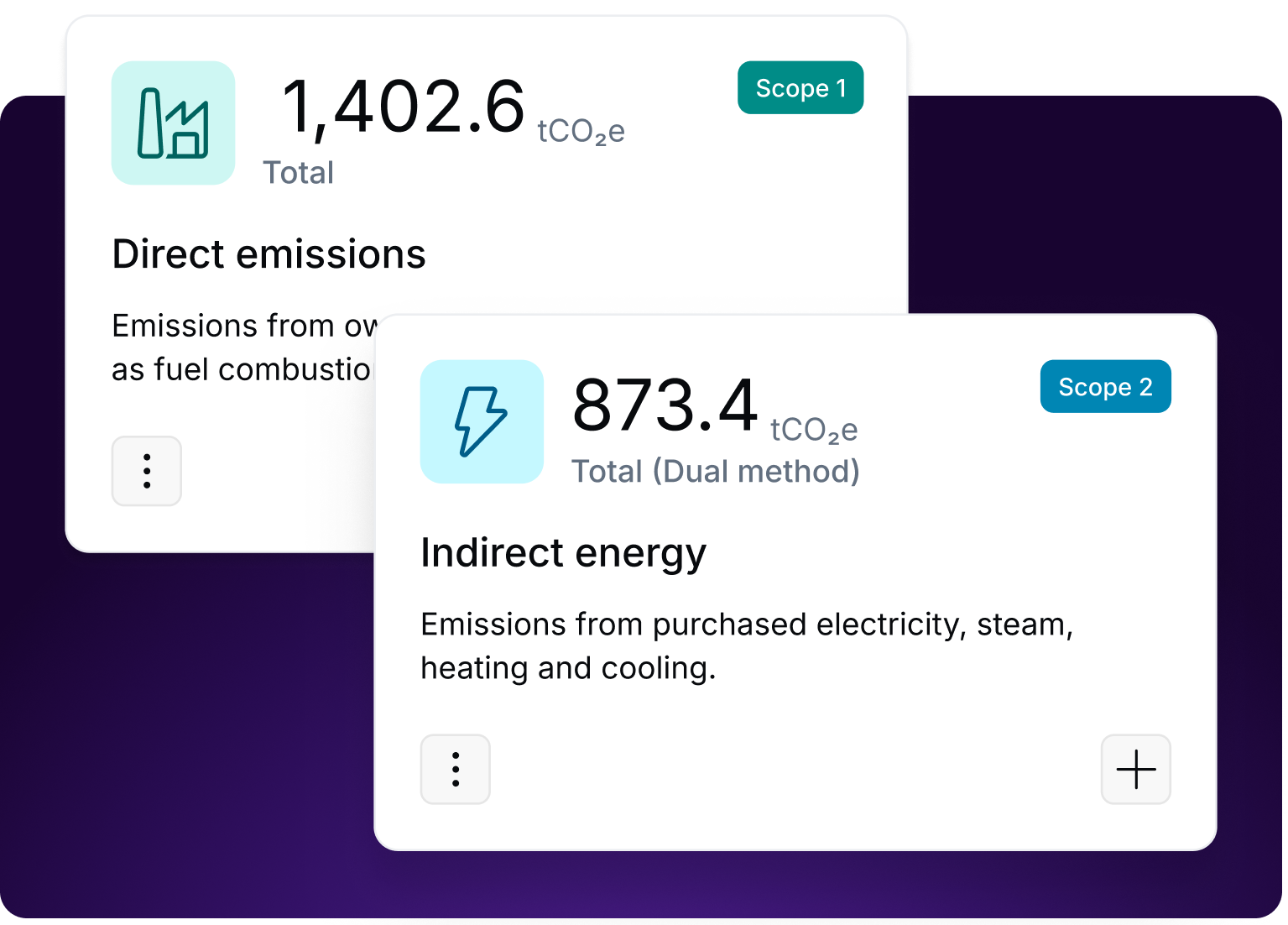
01 / Footprint visibility
See what makes up the total.
See emissions by scope, source, site and period. Start with the overall footprint, then examine the breakdown that matters to the question in front of you.
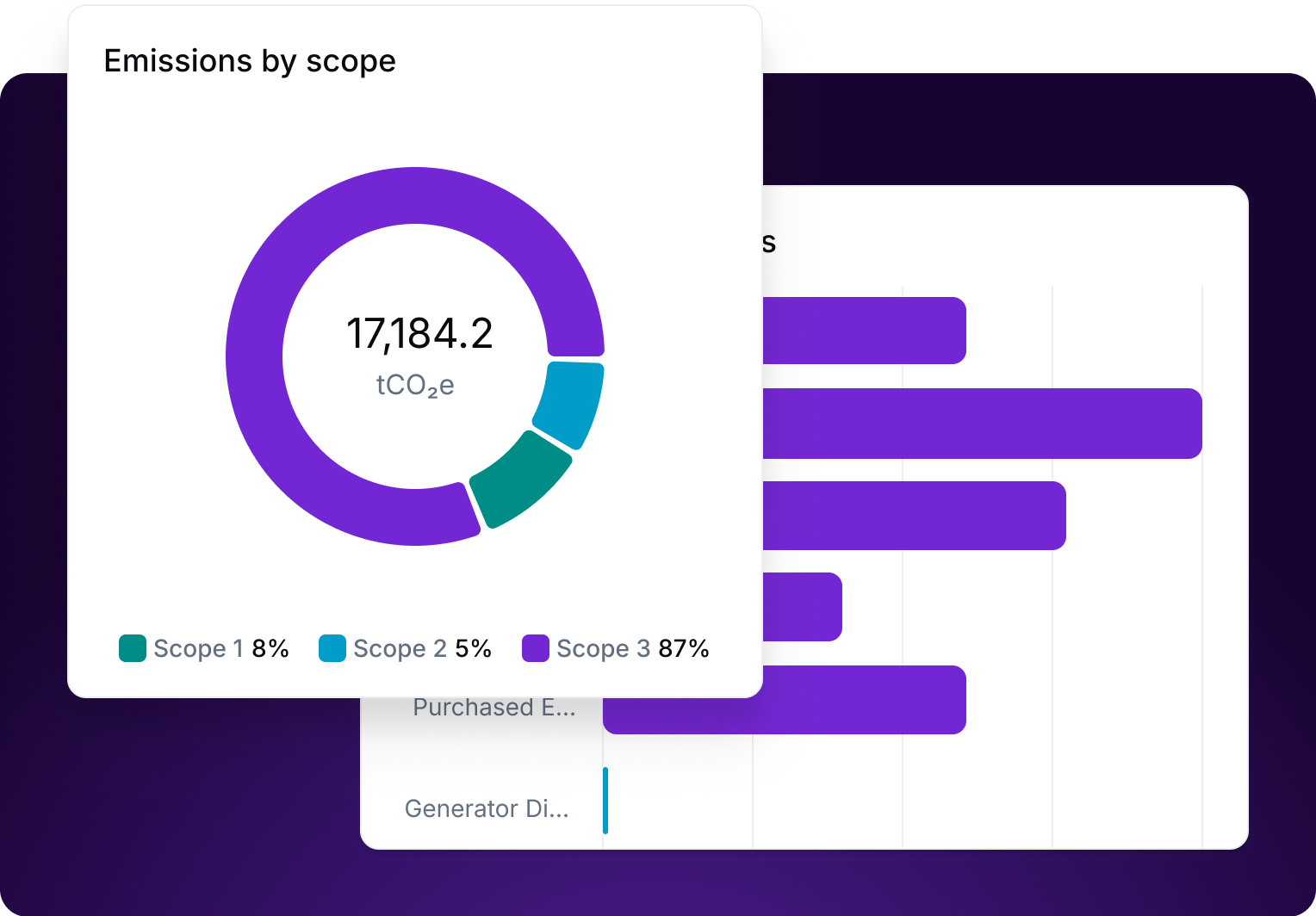
02 / Trends and comparisons
Understand what is changing.
Compare emissions over time and across the business. Identify the sources and locations contributing most, and see where performance is changing.
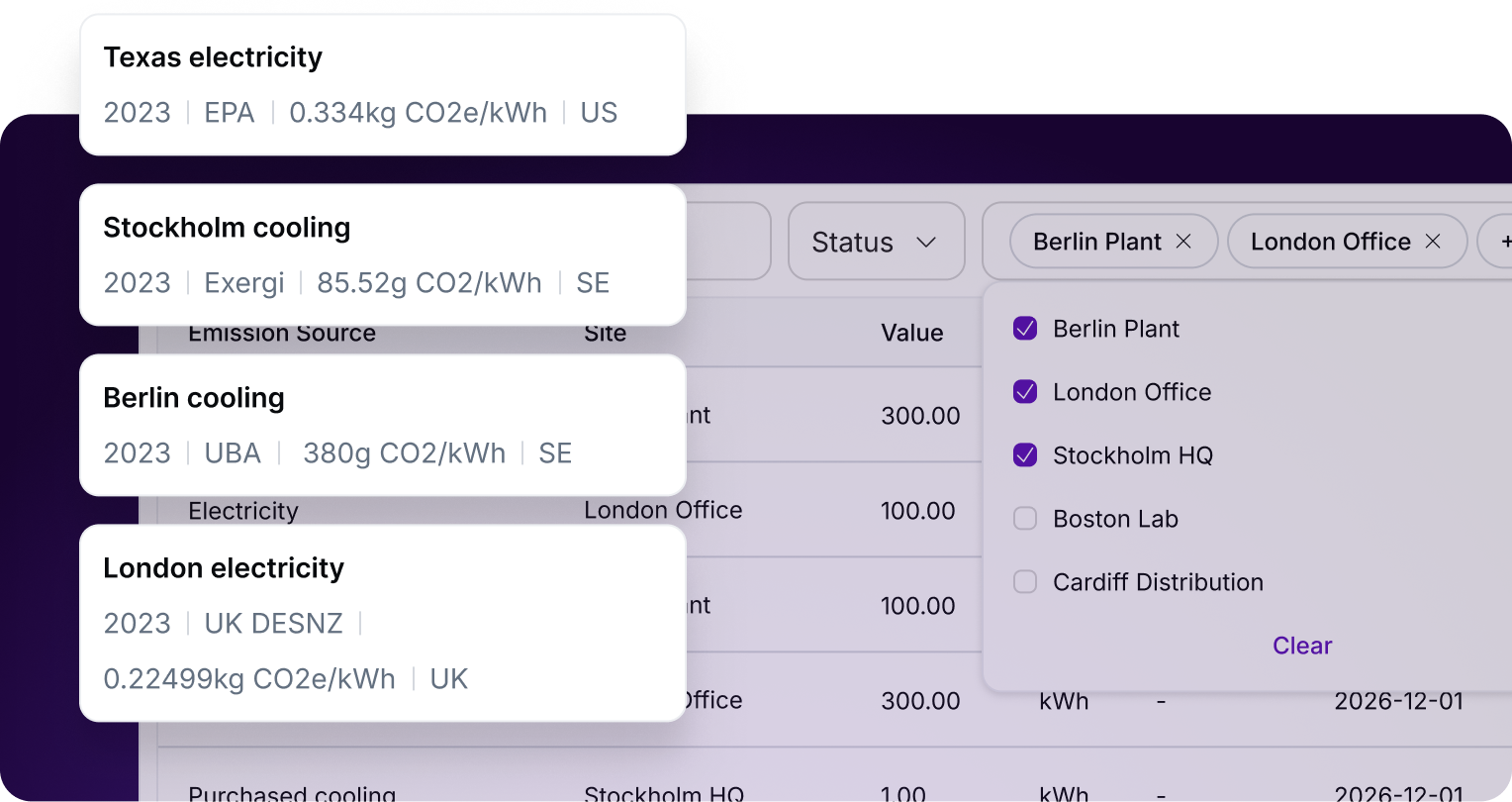
03 / Activity records
Keep the supporting detail.
Keep activity data in a searchable view across sites and periods. Retain the supporting detail behind electricity, steam and other recorded consumption.
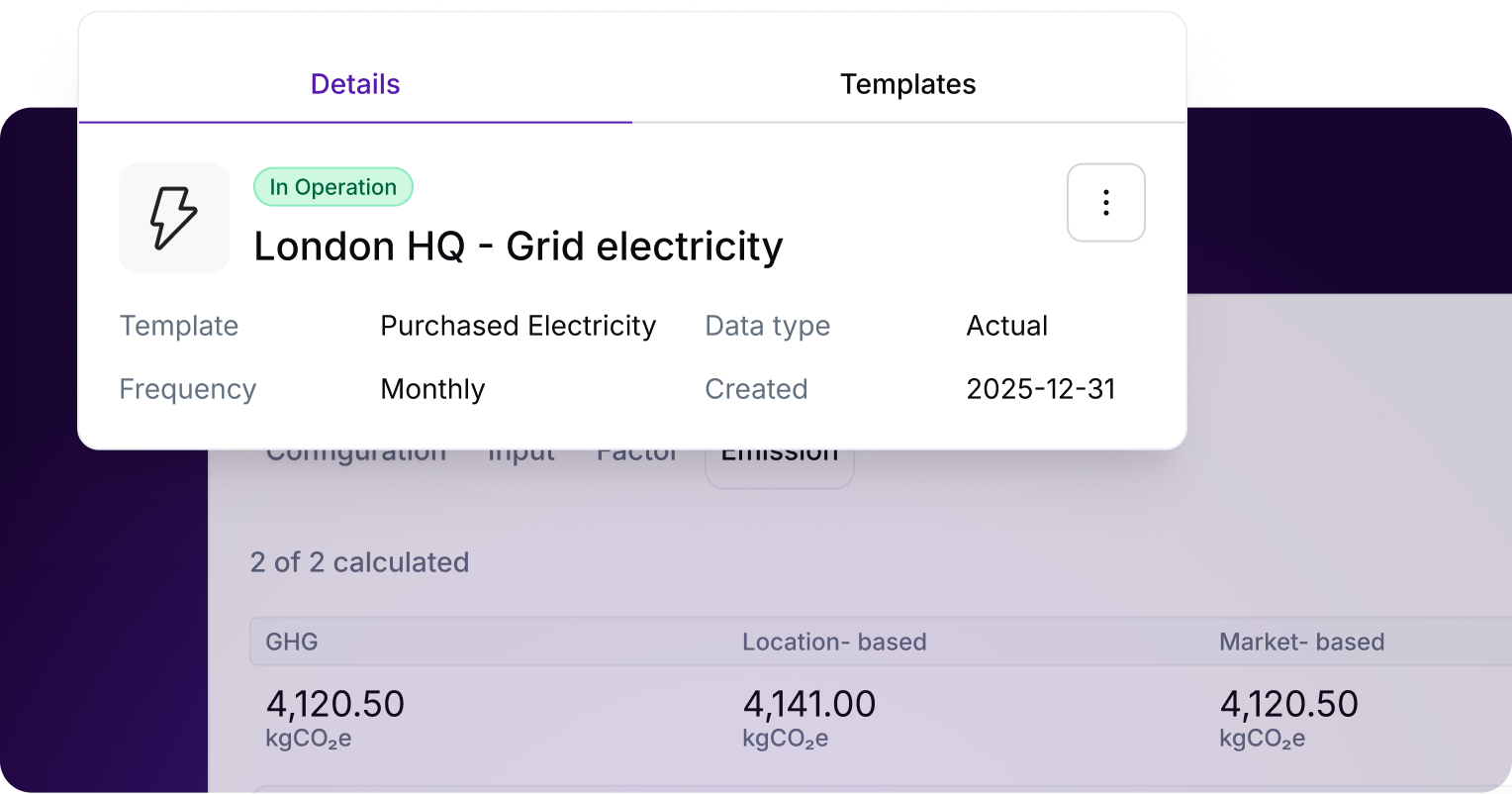
04 / Calculation rules
Apply a consistent method.
Configure sources and templates by factors such as fuel type, region, input dimensions and reporting frequency. Apply a consistent approach to the data entering each calculation.
05 / Business structure
Reflect the way you operate.
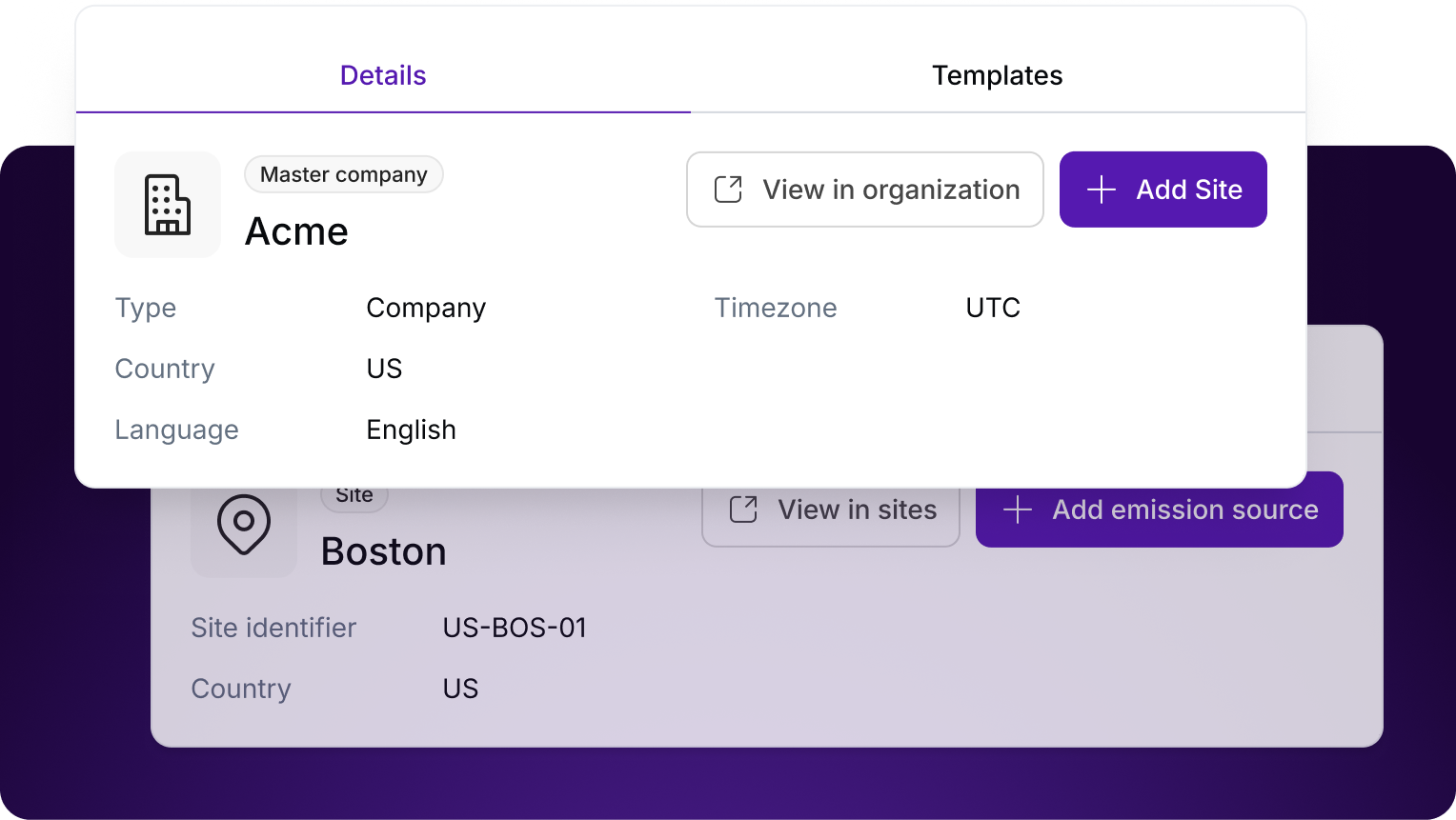
Assign emissions sources through your organizational hierarchy, from the group to its entities and sites. Keep consolidation aligned with the way your business is organized.
A wider view of your footprint
Three scopes. One connected picture.
Scope 1
Your operations
Direct emissions from sources your business owns or controls, such as fuel burned in boilers, generators and company vehicles.
Scope 2
Purchased energy
Indirect emissions associated with the electricity, steam, heating and cooling your operation buys.
Scope 3
Your value chain
Other indirect emissions beyond your own operations, including purchased materials, transportation, product use and end-of-life treatment.
The relevant categories and data requirements depend on your business and reporting boundaries.

Keep the evidence with the number
A report is easier to trust when you can follow its workings.
IFS Zero uses AI agents to help collect, map and validate emissions data, including flagging anomalies. Source-linked information lets teams follow operational activity through to reported results.
The calculation engine matches activity data with the relevant methodology. Data exports and an audit trail support corporate reporting and review.
- Source activity
- Calculation
- Reporting review
See IFS Zero at work
The connection between data and action.
Watch the IFS film to see how carbon intelligence connects with the industrial operations behind it.
Explore IFS Zero with RutterKey
Start with the data you have. Be clear about what you need.
Talk to RutterKey about your reporting challenge, how IFS Zero could fit your IFS environment and where to start.
- Which sites and entities are in scope?
- Where does the activity data live?
- Which figures take the most effort to explain?
A few practical questions
Is IFS Zero part of IFS Cloud?
IFS Zero is built on IFS Cloud and integrates with IFS asset and service management capabilities. Discuss your environment, available data and commercial requirements with RutterKey.
Does it replace IFS Sustainability Management?
The products work together. IFS Zero concentrates on carbon emissions, while Sustainability Management supports the wider collection of sustainability information used for corporate disclosures, including social impact and diversity measures.
How does it support reporting and audit readiness?
Structured activity data, source-linked calculations and audit trails help teams prepare information for review. The right reporting scope, data quality, methodology and review remain important to your organization's disclosure process.
A clearer picture. A practical next step.
What would a clearer emissions picture change for you?
Tell us where collecting, explaining or using emissions data becomes difficult. We can start the conversation there.